Projection mapping
made simple.
Map faster and create professional visual displays directly from your iPhone or iPad.
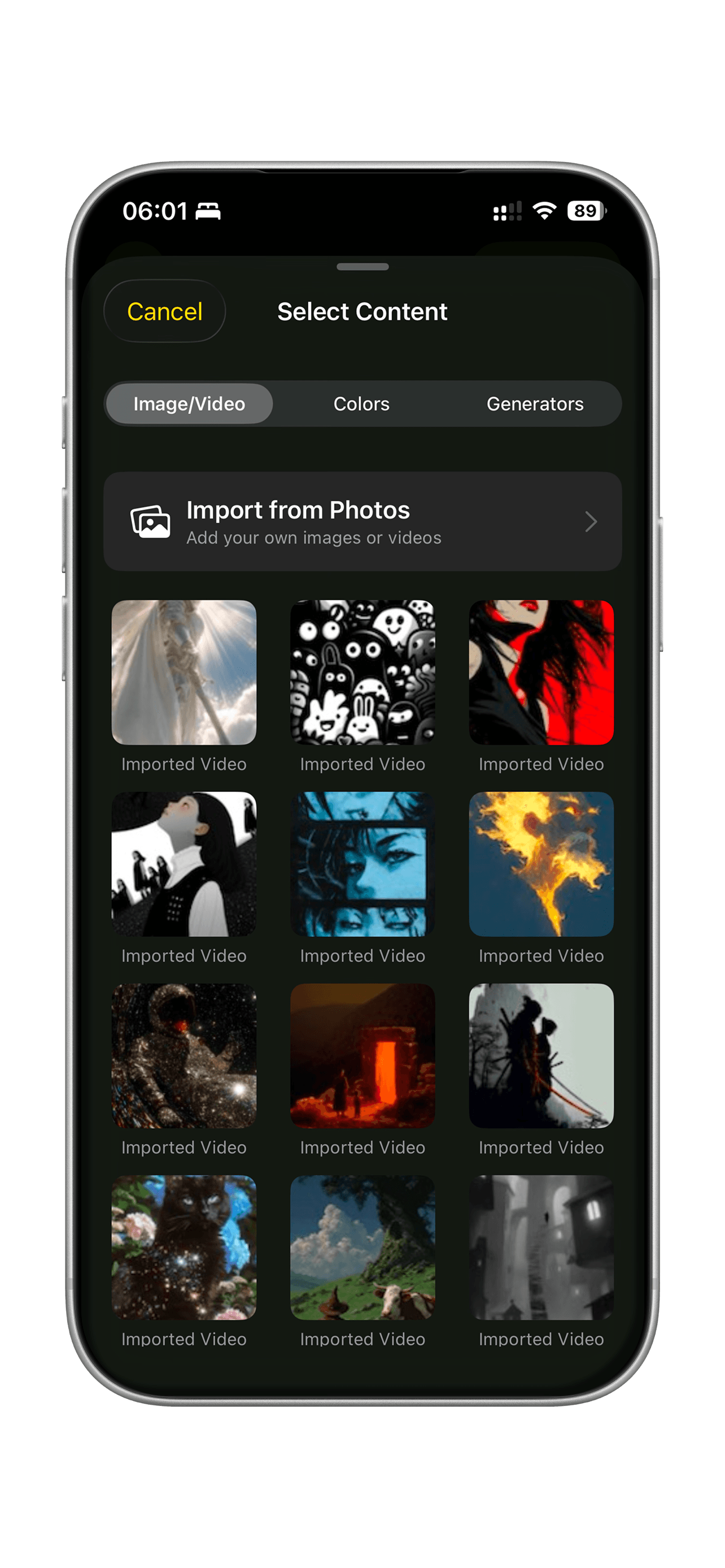
Everything you need using just your phone.
Professional grade tools reduced to the essential, amplified by touch.
Precision Warping
Corner handles and mesh distortion for exact alignment. Turn any object into a dynamic canvas.
Masking & Drawing
Create custom shapes to fit specific objects or architectural details with precise masking tools.
Real-Time Rendering
Zero latency preview. All effects are calculated live—no waiting for renders. Powered by Metal.
Extended Display
Projects only your canvas content while keeping editor controls hidden. Support for HDMI, USB-C, and AirPlay.
Visualizer Library
Access real-time generative effects like Kaleidoscope, Strobe, and Noise with customizable parameters.
Fragment Effect
Shatter, wave, and explode your visuals in real-time. Apply professional visual effects live.
Workflow
How Visomapper Works
From setup to showtime in four simple steps. No complex coding required.
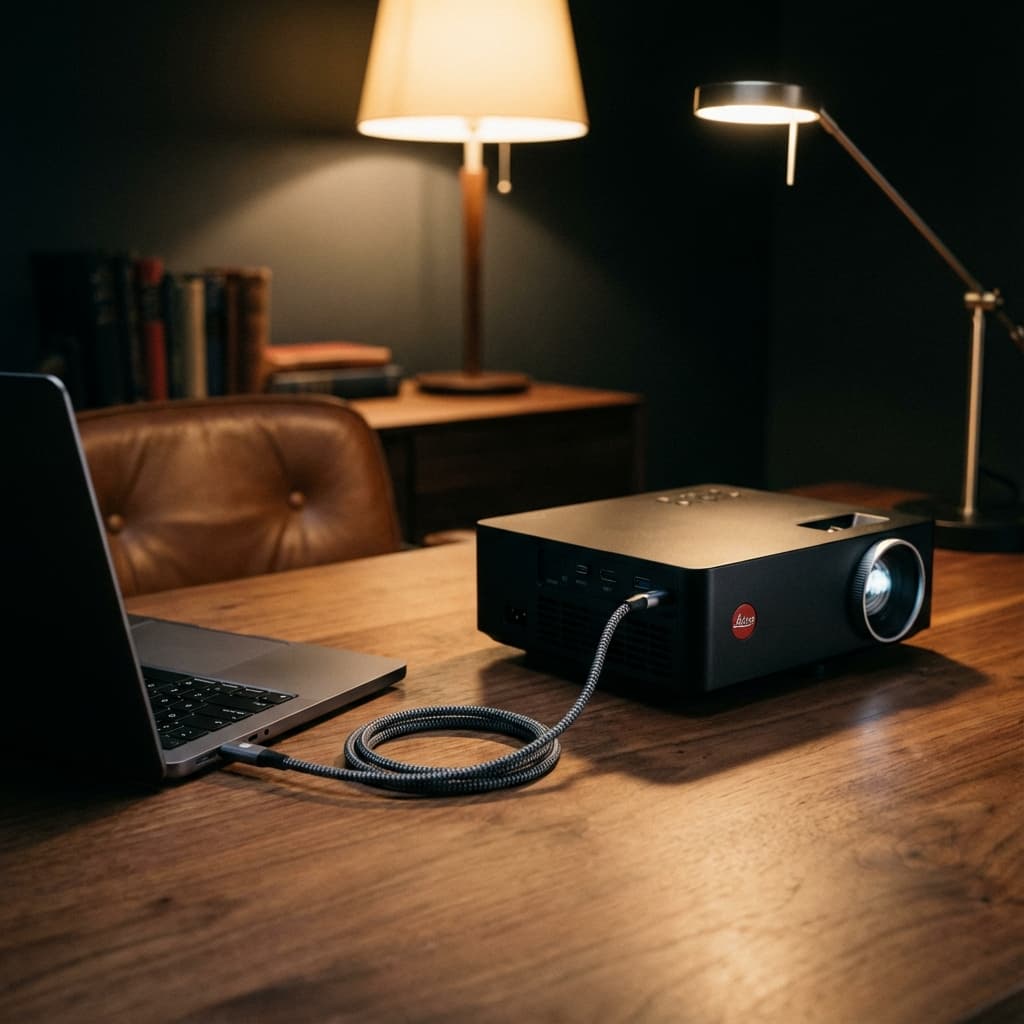
Download & Connect
Get Visomapper from the App Store. Connect your iOS device to a projector using an HDMI adapter or wirelessly via AirPlay.
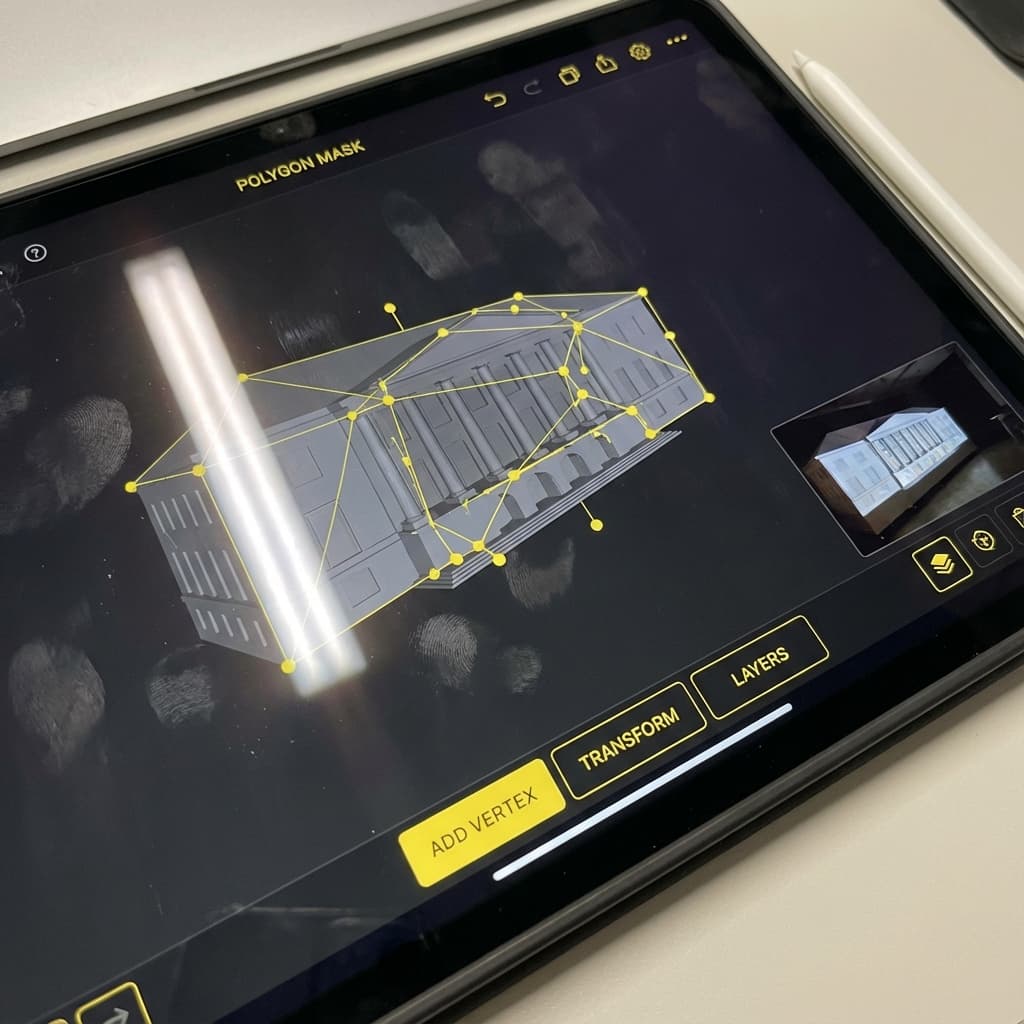
Mask & Map
Use the drawing tools to trace the objects you want to project onto. The app automatically handles perspective warping.
Assign Content
Pick videos or images from your gallery and assign them to your shapes. Apply effects and blend modes.
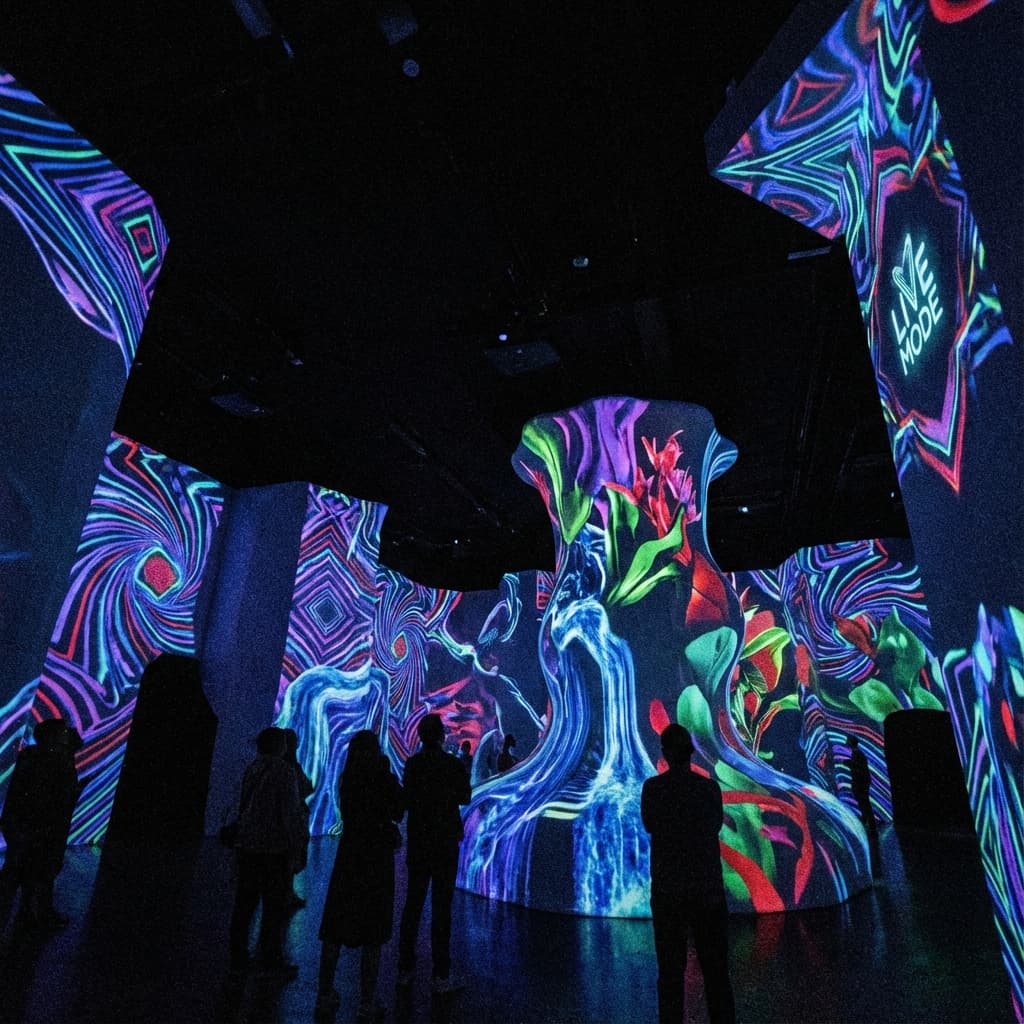
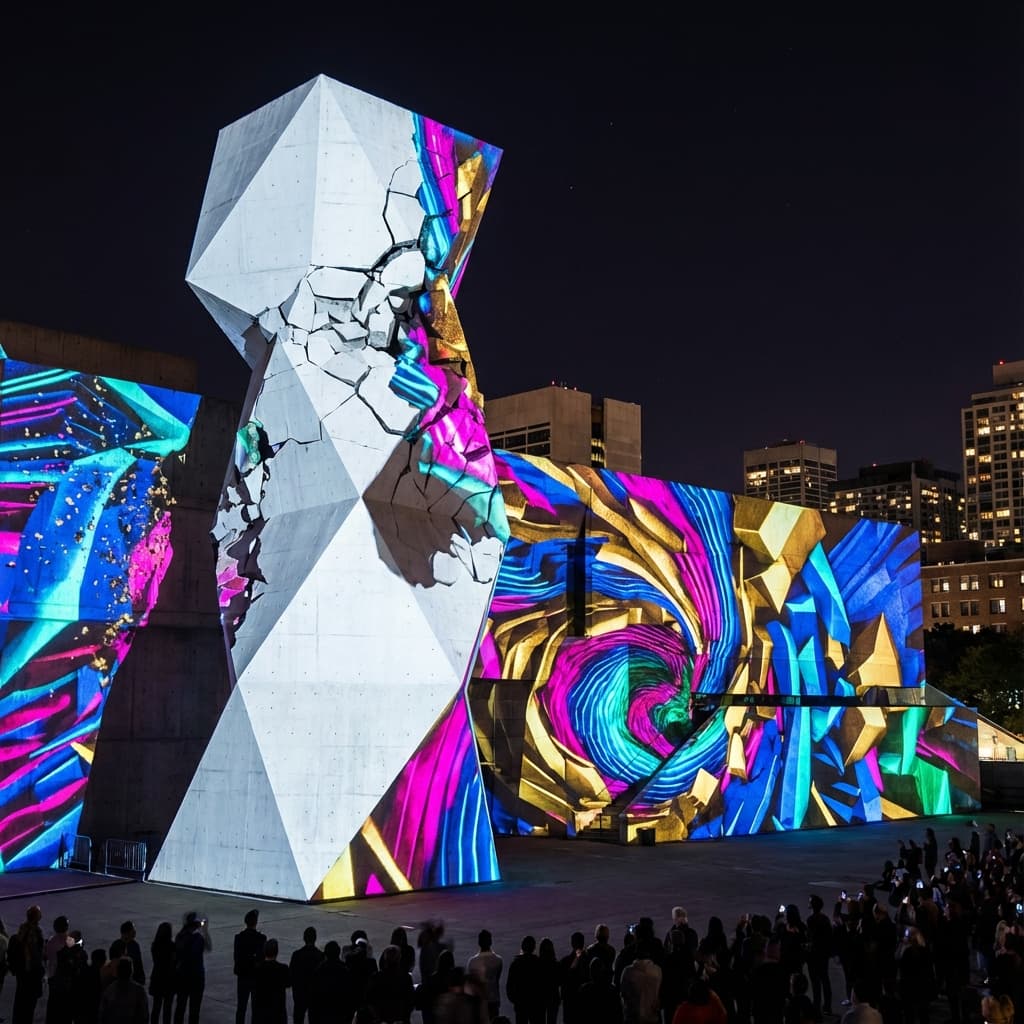
Go Live
Switch to 'Live Mode'. Your interface hides, and only your mapped content is projected in full resolution.
Loved by creators worldwide.
See what creators are making with Visomapper on Instagram and TikTok.